
How to Use Tasks and Reminders in ApiManager
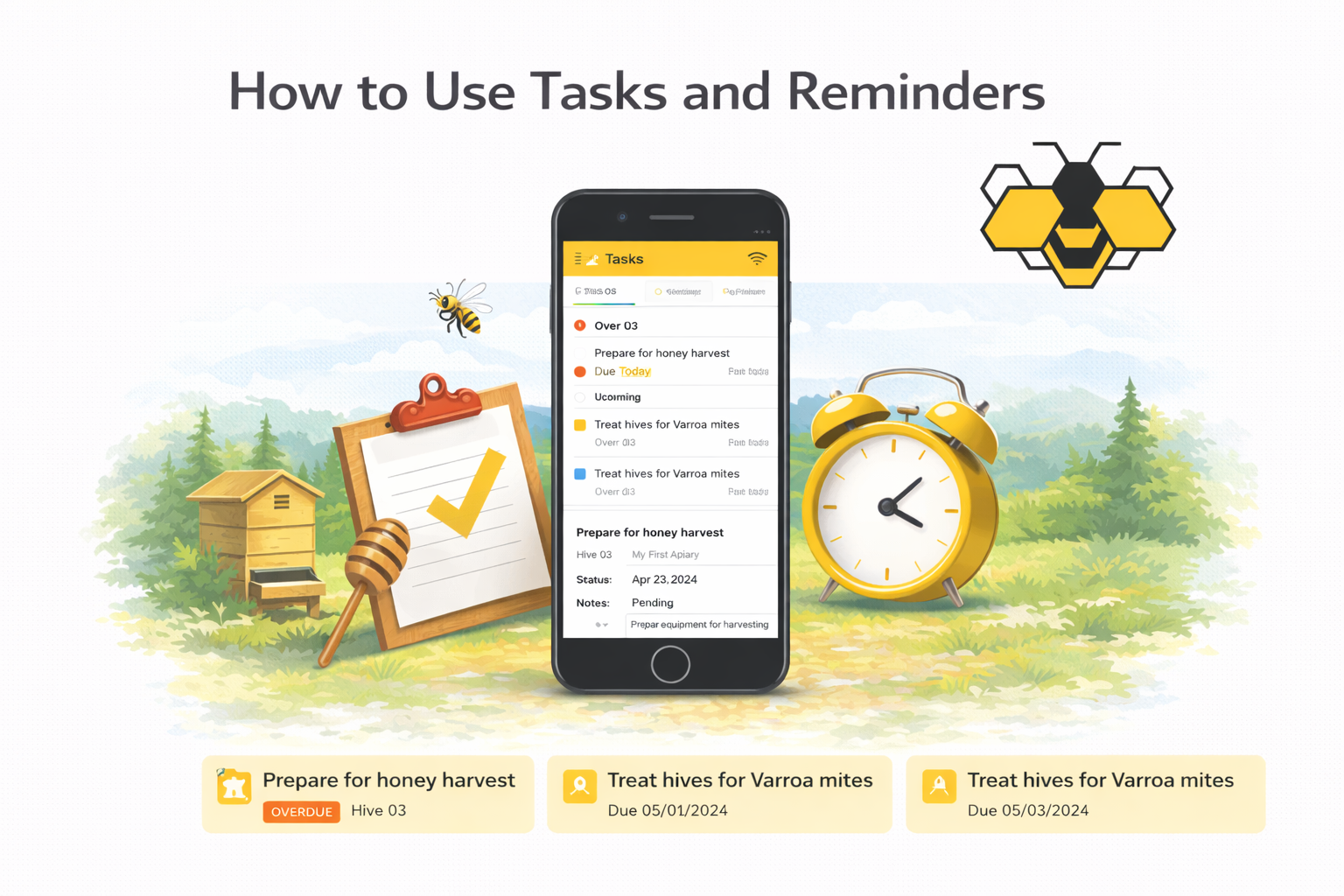
Tasks and reminders help you plan, track, and never forget important beekeeping activities. In ApiManager, you can create tasks for inspections, treatments, feedings, harvests, or any custom activity, and optionally set reminder dates to stay on schedule.
What this tutorial covers
- Creating a task
- Assigning tasks to apiaries or hives
- Setting reminder dates
- Completing and reviewing tasks
Open the Tasks screen
- Open Tasks from the ApiManager menu.
- Tap/click Create.
Step 1: Enter task details
- Name — short descriptive title (example: “Check mite levels”).
- Date — task due date.
- Type — inspection, treatment, feeding, harvest, or custom.
Notes (optional)
Add instructions or additional context for the task.
Step 2: Select scope (Apiary & Hives)
Define where the task applies.
- Apiary — choose the apiary.
- All Hives — applies to every hive in the apiary.
- Hives — select one or more specific hives.
Step 3: Set a reminder (optional)
If enabled, ApiManager will remind you about the task on the selected date.
- Reminder Date — when you want to be reminded.
Save the task
- Review your entries.
- Tap/click Save.
- The task now appears in your task list.
Completing a task
- Open the task.
- Mark it as Completed.
- The task is moved to completed history.
Reviewing tasks
- Use filters to view Upcoming, Overdue, or Completed tasks.
- Sort by date, type, or apiary.
Best practices
- Create tasks immediately when planning work.
- Use reminders for time-sensitive actions.
- Keep task names clear and specific.
- Review your task list daily during busy seasons.
Using tasks and reminders consistently helps you stay organized and maintain strong colony management.
Need more help?
Visit our Frequently Asked Questions (FAQ).
Have a question or suggestion?
Contact us via the contact form.
Ready to get started?
https://apimanager.net/app