
How to Export Your ApiManager Data to Excel & CSV
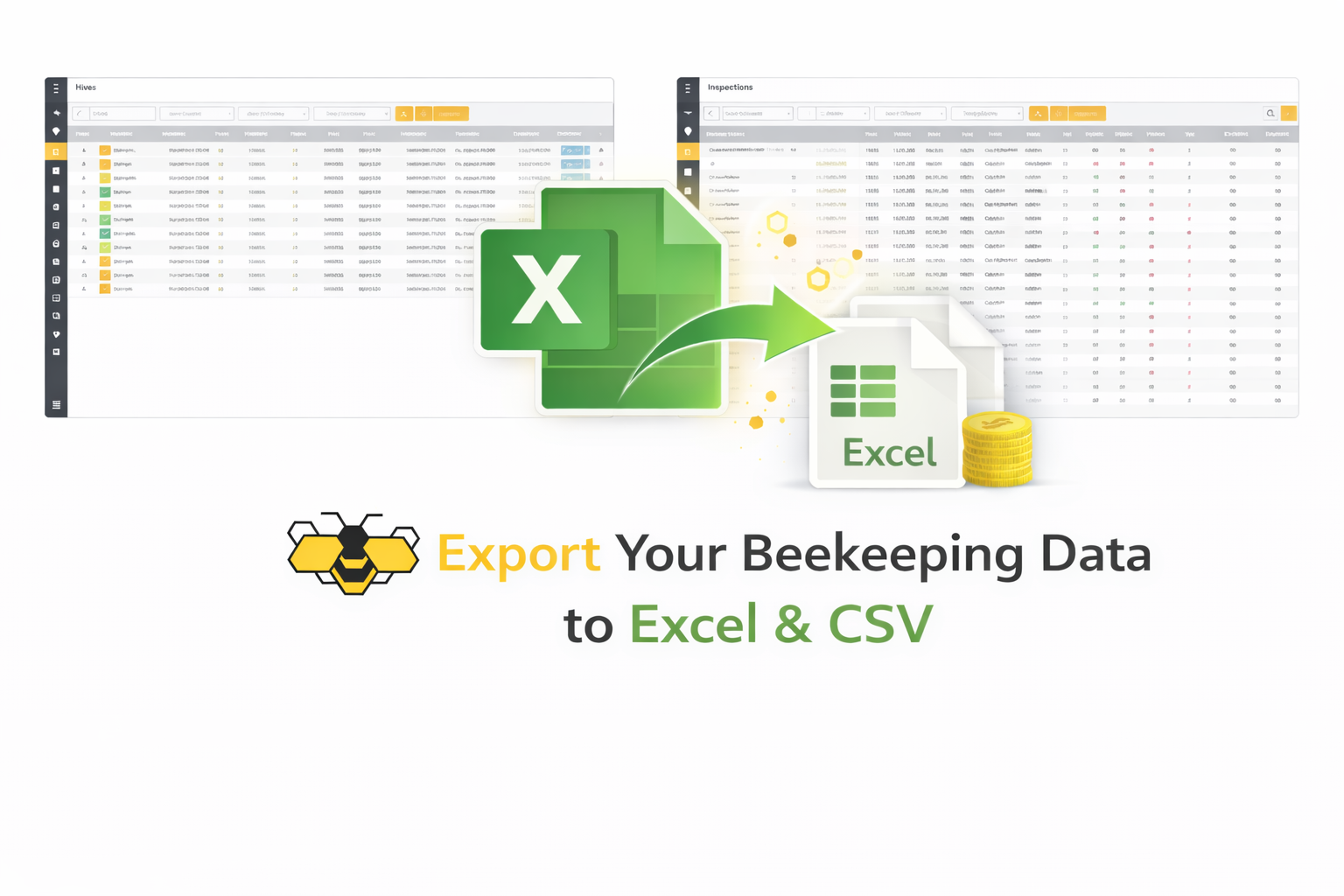
ApiManager allows you to export your records from any data grid directly to Excel (XLSX) or CSV format. This is ideal for backups, reporting, printing, sharing, and advanced analysis.
What this tutorial covers
- Where exporting is available
- How to use filters before exporting
- Exporting to Excel
- Exporting to CSV
- Best practices
Where exporting is available
Export is available in all grid-based lists on desktop and tablet devices, such as:
- Inspections
- Feedings
- Harvests
- Treatments
- Hives
- Tasks
- Storage
- Finances
- Locations
- Queens & Rearing
Each of these screens uses a grid view with sorting, filtering, and exporting tools.
Step 1: Open the desired list
- Open the ApiManager menu.
- Navigate to the section you want (for example: Harvests).
- Wait until the records load.
Step 2: (Optional) Filter your data
Before exporting, you can narrow down records:
- Use the top search filters (date range, apiary, hive, product, etc.).
- Use column filters by clicking the arrow next to a column header.
- Sort by clicking on column titles.
Only the currently visible (filtered) records will be exported.
Step 3: Click the Export button
In the top-right corner of the grid, click Export.
Step 4: Choose export format
- Excel — generates an XLSX spreadsheet.
- CSV — generates a comma-separated text file.
Your browser will download the file automatically.
Open the exported file
- Open Excel files with Microsoft Excel, LibreOffice Calc, or Google Sheets.
- Open CSV files with any spreadsheet program or text editor.
What is included in the export
- All visible columns in the grid.
- Only rows that match your current filters.
- Values exactly as displayed in the table.
Best practices
- Apply filters before exporting large datasets.
- Use Excel format when working with formulas or charts.
- Use CSV format for importing into other software.
- Store exports as seasonal or yearly backups.
Regular exports give you full ownership of your data and make it easy to analyze your beekeeping operation outside of ApiManager.
Need more help?
Visit our Frequently Asked Questions (FAQ).
Have a question or suggestion?
Contact us via the contact form.
Ready to get started?
https://apimanager.net/app